


PLC vs HMI vs SCADA: What Each Control Layer Actually Does
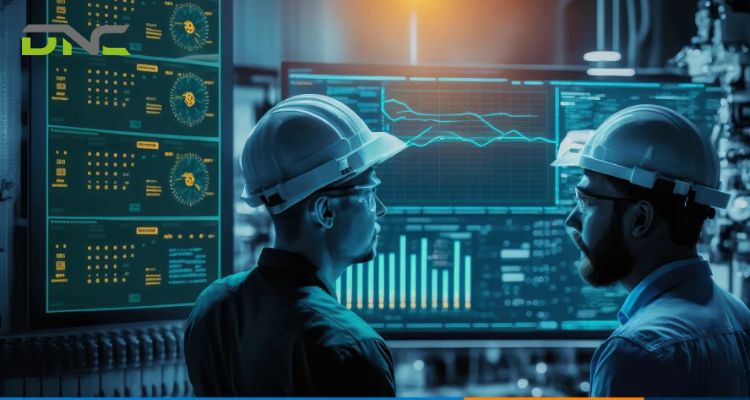
A Programmable Logic Controller (PLC) executes the real-time logic that directly runs a machine’s sensors, motors, and valves; a Human-Machine Interface (HMI) is the local touchscreen or panel an operator uses to watch and adjust that same machine; and a Supervisory Control and Data Acquisition (SCADA) system sits above both, pulling data from multiple PLCs and HMIs across a line or a facility into one supervisory view with historical logging and remote access. All three layers typically run on a single automated machine — a case sealer, a checkweigher, a conveyor zone controller — before SCADA ever connects that machine to anything else. The distinction that matters on a production floor is not which layer is “better,” but which layer actually owns a fault when an alarm fires, because the HMI screen showing the alarm is frequently not the layer where the fault originated.
What Is the Difference Between PLC, HMI, and SCADA?
PLC, HMI, and SCADA differ in scope: a PLC controls one machine’s logic in real time, an HMI displays and adjusts that logic locally, and SCADA supervises many PLCs and HMIs from a level above the machine floor. GE Vernova frames the three as a layered system built to work together rather than as competing options — PLCs handle real-time control, HMIs handle operator-facing visualization and interaction, and SCADA delivers supervisory oversight by aggregating data from multiple PLCs and HMIs for centralized monitoring and reporting. UpKeep draws the same boundary from the hardware-versus-software side: a PLC is hardware that executes control logic, while SCADA is generally software — sometimes described as the plant’s overall control system built from both hardware and software elements — and the two are typically deployed together rather than as substitutes for each other.
Open Automation Software adds the scale distinction that separates HMI from SCADA specifically: HMI operates at the “micro” machine level, showing one machine’s status to the operator standing in front of it, while SCADA operates at the “macro” level across facilities and production systems, connecting PLCs, sensors, and communication networks into one centralized platform. That scope difference is why HMI can exist on a machine with no SCADA installed anywhere in the plant, but a SCADA system without any HMI or PLC beneath it has nothing to supervise.

What Is the Difference Between PLC, HMI, and SCADA?
How Does a PLC (Programmable Logic Controller) Actually Control a Machine?
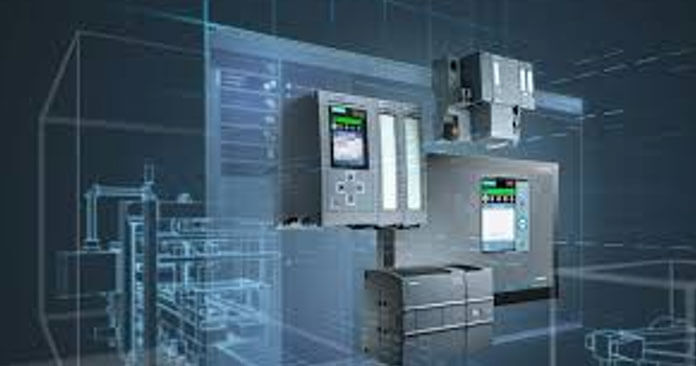
That real-time control layer is the PLC, and what it actually controls is the machine’s physical inputs and outputs on a fixed logic cycle — sensors, motors, valves, and switches — independent of whether any screen or supervisory system is watching it. This is the layer underneath every smart manufacturing system DNC specifies, since the PLC is what actually executes the sequencing an HMI or SCADA system only displays. UpKeep describes PLCs as designed to run complex industrial processes such as machines and motors, straightforward to program, fully scalable to an operation’s requirements, and capable of collecting data from the systems they control — an upgrade over the relays and timers PLCs replaced because a PLC can execute far more complex sequencing logic than fixed electromechanical relays ever could.
A worked example makes the logic concrete: a documented industrial-training case describes a PLC controlling three photo-eye sensors, a three-position selector switch (off/manual/automatic), a conveyor motor, and a drain valve, where the automatic sequence runs as sensor 2 detects an item, the motor stops, the valve opens for a set dwell time, the valve closes, and the motor resumes — while sensors 1 and 3 separately count items entering and leaving the station. None of that sequencing depends on an HMI being present to display it or a SCADA system being present to log it; the PLC executes the logic against its wired inputs and outputs whether or not anyone is watching a screen. What an HMI or SCADA adds is visibility into a cycle the PLC would run identically without them.
What Does an HMI (Human-Machine Interface) Add That the PLC Doesn’t Show?
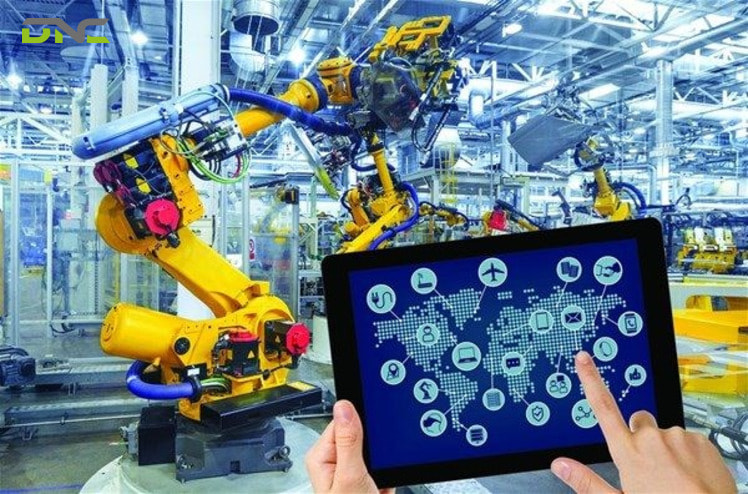
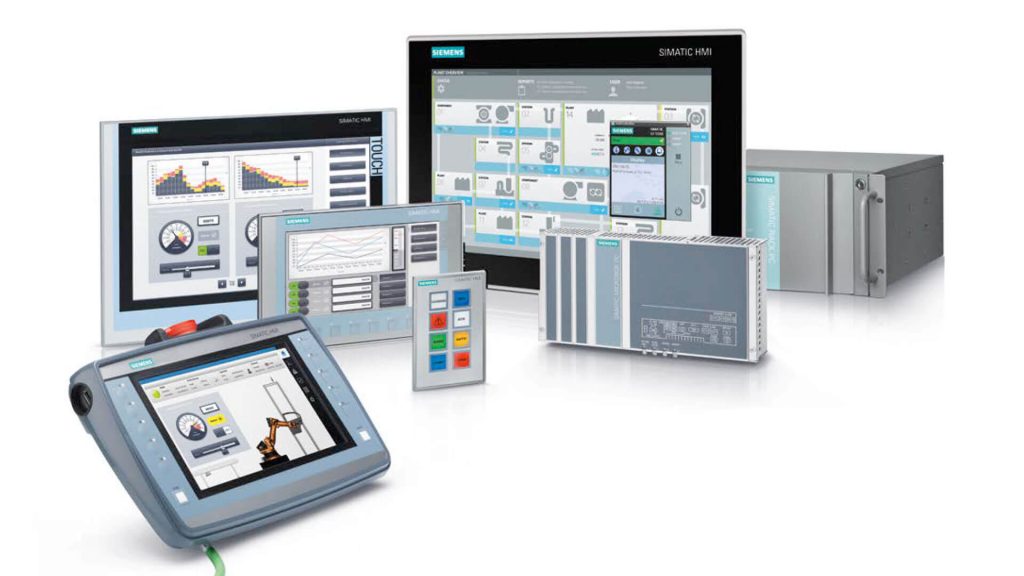
The PLC’s photo-eye-and-valve cycle runs without a screen, but a Human-Machine Interface is what makes that cycle visible and adjustable to the person standing at the machine. GE Vernova lists real-time visualization, operator interaction and control, and improved situational awareness as the HMI’s core functions — an operator uses the HMI to monitor conditions, adjust setpoints, and respond to alarms, without needing to read the PLC’s internal logic directly. Weintek positions its own HMI products the same way functionally: a local interface, often a touchscreen panel, mounted on or near the machine it displays. Weintek’s own product range spans that local-interface category from multiple angles — thin-client and headless panels, standard and IoT-connected “Smart HMI” touchscreens, and remote I/O modules for pulling additional digital, analog, or temperature signals into the same local display — all still scoped to the one machine or cell the panel sits on, not to a facility-wide view.
Open Automation Software’s advantages-and-limitations comparison draws the boundary precisely: HMI offers low-training-overhead operator controls, real-time visibility into machine performance, and faster troubleshooting and response times, but it is limited to machine-level visibility, does not provide plant-wide operational oversight, and has limited historical analytics without SCADA integration. That last limitation is structural, not a feature gap a better HMI screen would fix — an HMI reads and writes the PLC’s live tag values for the operator in front of it; it does not store months of trend data or compare one machine’s behavior against another’s, because that aggregation task belongs to the layer above it.
What Does an HMI (Human-Machine Interface)
What Does SCADA (Supervisory Control and Data Acquisition) Add Beyond a Single HMI?
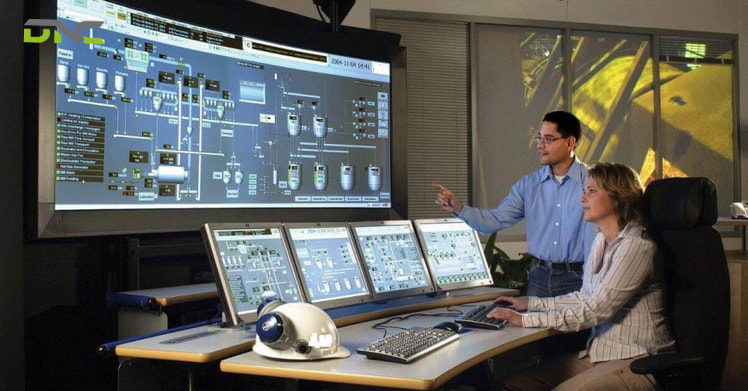
That aggregation task belongs to Supervisory Control and Data Acquisition, which adds exactly what a single machine’s HMI cannot provide on its own: a centralized view across every PLC and HMI on the line, plus the historian that stores what happened before now. Open Automation Software lists a SCADA system’s typical components as PLCs and RTUs for machine control, sensors and field devices, communication networks, visualization and reporting tools, and HMI software layered underneath it — SCADA does not replace the HMI on each machine, it connects to it. GE Vernova frames the same relationship from the function side: SCADA delivers real-time data acquisition and visualization, centralized monitoring and supervision, remote control and automation, alarm management, and reporting and historical analysis across multiple machines rather than one.
The advantage list and the limitation list run in parallel, according to Open Automation Software: SCADA brings centralized monitoring across facilities, remote access and control, real-time alerts, and historical data collection, but at the cost of higher implementation and maintenance expense, more complex system integration, stronger cybersecurity and network management requirements, and specialized training for the engineers who configure it. A plant running one machine with one operator rarely needs that overhead — SCADA earns its cost once there are enough PLCs and HMIs on the floor that no single screen can show the whole picture.
What Does SCADA (Supervisory Control and Data Acquisition)
Which Layer Is Responsible When a Machine Fault Occurs?
None of that layered division answers the question that actually matters when a fault happens: which layer is responsible for it. The answer is rarely obvious. None of the four manufacturer and platform sources covering PLC vs HMI vs SCADA for this comparison connects the three-layer split to diagnosing a specific machine fault — they describe what each layer does in isolation, then stop at “faster troubleshooting” as a generic HMI benefit without saying what gets troubleshot or where the actual cause usually sits.
In practice, the layer that displays an alarm is not always the layer that caused it. A checkweigher HMI showing a reject-rate spike — see how a checkweigher works for the measurement window behind that reading — is reporting a symptom the PLC’s weighing logic measured, but the root cause could sit in the PLC’s own filtering or timing parameters, in a load-cell reading the PLC receives as an input, or further upstream in a case-sealing or filling station the checkweigher never directly monitors. A conveyor zone controller’s HMI showing a stopped zone is displaying exactly what its own PLC commanded — that fault is genuinely local — but a SCADA-level trend spanning several zones over a shift can reveal a pattern, such as one zone stopping every time a specific upstream station cycles, that no single zone’s HMI would ever surface on its own, because each HMI only ever shows the machine it sits on. SCADA’s diagnostic value is not that it replaces PLC-level or HMI-level troubleshooting — it is that it is the only layer positioned to see a pattern that crosses machine boundaries.
Which Layer Is Responsible When a Machine Fault Occurs?
Summary: How PLC, HMI, and SCADA Divide Control Responsibility
PLC, HMI, and SCADA divide control responsibility by scope, not by importance. A PLC executes real-time logic against a machine’s own sensors, motors, and valves, whether or not any screen is watching. An HMI makes that logic visible and adjustable to the operator standing at the machine, but stores no long-term history and sees only that one machine. SCADA aggregates multiple PLCs and HMIs into one supervisory view with a historian, at the cost of added implementation and cybersecurity overhead — and it is the only layer built to catch a fault pattern that spans more than one machine, rather than one that repeats on a single line.
How Do PLC, HMI, and SCADA Work Together on a Single Packaging Machine?
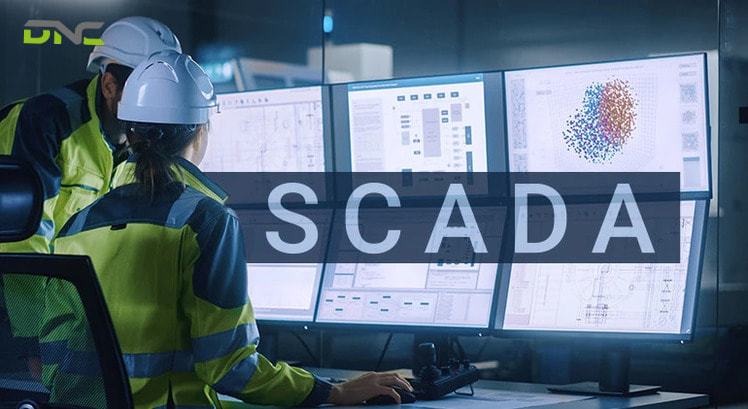
That division of labor is easiest to see on one machine rather than three separate systems, because a single automatic case sealer typically runs all three layers stacked on top of each other. The PLC executes the sealer’s own sequencing — advancing the carton, triggering the tape head or fusing unit, confirming flap closure through its own sensors — using the same kind of fixed-cycle logic the photo-eye-and-valve example above runs on a conveyor station. The HMI mounted on that sealer displays cycle counts, fault codes, and manual override controls to the line operator, without needing any connection beyond the PLC it is wired to. SCADA, where present, pulls that same sealer’s cycle data alongside a checkweigher’s reject count and a conveyor zone’s stop history into one dashboard, so a shift supervisor can see all three stations’ status without walking to each machine’s own HMI panel.
Weintek’s own product lineup reflects this stacking directly, offering HMI hardware, PLC programming tools, and “SCADA & System Integration” as three separate but connected solution categories rather than one bundled product — confirming that a plant can run a PLC and HMI on a single machine indefinitely without ever adding SCADA, and adds SCADA only when supervising that machine alongside others becomes the actual requirement.
How Do PLC, HMI, and SCADA Work Together on a Single Packaging Machine?
How Does SCADA’s Role Change When It Connects Multiple Machines Instead of One?
That requirement — supervising more than one machine — is exactly where SCADA’s role changes from optional to load-bearing. A single machine’s SCADA connection adds little beyond what its own HMI already shows; SCADA’s value scales with the number of PLCs and HMIs it aggregates, because centralized monitoring, remote access, and historical trending only matter once there is more than one machine’s data to centralize. Open Automation Software notes SCADA is generally used remotely, as opposed to by the direct operators of specific equipment — a distinction that only becomes meaningful once “specific equipment” means several machines spread across a line or a plant floor rather than the one machine an operator is already standing in front of. GE Vernova’s own scope for the technology reflects that same shift in scale: it names manufacturing, utilities, and infrastructure as the environments SCADA operates across, categories defined by having multiple sites or multiple production lines to supervise, not by any single machine’s complexity.
Cross-machine visibility is also where the diagnostic pattern described earlier becomes practical rather than theoretical: a SCADA historian logging a case sealer, a checkweigher, and a conveyor system automation zone controller together lets an engineer correlate a reject spike on the checkweigher against a specific conveyor zone stop or case-sealer cycle-time shift minutes earlier — a correlation no single machine’s HMI has the data to make, because each HMI’s log, where one exists at all, stays local to that one machine.
What Do You Need to Add SCADA to an Existing PLC and HMI Setup?
Making that cross-machine correlation possible starts with connecting machines that already run PLC and HMI layers independently, since most packaging lines have PLCs and HMIs in place well before a SCADA system enters the picture. Adding SCADA to an existing PLC and HMI setup generally means specifying a communication path from each machine’s PLC to a central SCADA server or software platform — GE Vernova and Open Automation Software both describe this as connecting PLCs, RTUs, sensors, and communication networks into one centralized platform — plus the historian storage, reporting tools, and remote-access configuration that make the aggregated data usable rather than just collected.
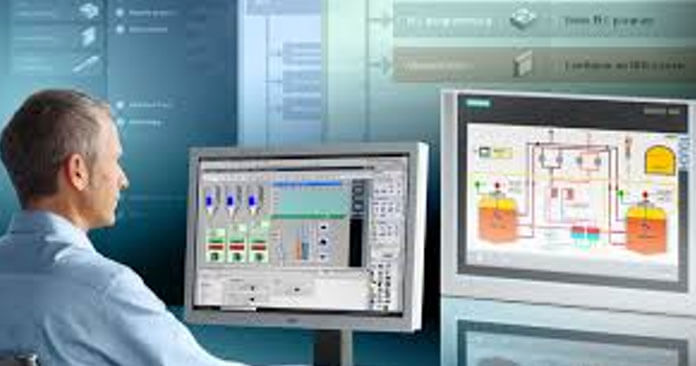
The machines themselves rarely need PLC or HMI hardware changes to support that connection; Open Automation Software’s component list places HMI software underneath the SCADA layer rather than as something SCADA replaces, which is why a working PLC-and-HMI setup on a case sealer, checkweigher, or conveyor zone controller typically stays exactly as it is — SCADA reads from it, rather than requiring it to be re-engineered around the addition. UpKeep describes the same data path from the maintenance side: sensor data reaches the PLC first, the PLC translates it into a format the supervisory software can use, and the operator or engineer accesses it through the HMI on that software — a chain that assumes the PLC and HMI already exist and simply adds a destination for the data they were already producing.
What Do You Need to Add SCADA to an Existing PLC and HMI Setup?
Frequently Asked Questions
These frequently asked questions cover PLC, HMI, and SCADA questions that sit outside the layer-by-layer comparison — running a machine without SCADA, HMI’s dependence on a PLC, and how to tell which layer actually failed.
Can a machine run with a PLC and no HMI or SCADA?
A machine runs with a PLC and no HMI or SCADA, because the PLC executes its wired logic against sensors, motors, and valves regardless of whether any screen displays that activity. What is lost without an HMI is local visibility and manual override for the operator standing at the machine, and what is lost without SCADA is any record of that machine’s history or connection to other machines’ data.
Can an HMI work without a PLC behind it?
An HMI generally cannot do meaningful work without a PLC behind it, because the HMI’s function is to read and write tag values that live in the PLC’s logic — without a PLC, the HMI has no live machine data to display or adjust. Some SCADA software platforms include HMI-style screens that read directly from sensors or other controllers instead of a PLC, but on a standard packaging machine, the HMI and PLC are paired components.
How do you tell which layer caused a specific fault?
Telling which layer caused a specific fault starts with checking whether the fault is isolated to one machine or appears as a pattern across several: a single machine’s HMI alarm with no correlation elsewhere usually points to that machine’s own PLC logic, sensor, or wiring, while a pattern that only shows up when comparing multiple machines’ data over time — visible on a SCADA historian, not on any one HMI — points to an interaction between stations that no single machine’s controls reveal in isolation.
Does every PLC-controlled machine need its own HMI?
Not every PLC-controlled machine needs its own HMI — a PLC will run its logic without one — but most production machines include an HMI anyway because it is the fastest way for an operator to see cycle status, clear a fault, or adjust a setpoint without opening the PLC’s programming software. Machines that run unattended inside a larger cell sometimes rely on a shared HMI or SCADA screen elsewhere on the line instead of a dedicated panel on each individual station.
Does every PLC-controlled machine need its own HMI?
- 18 views
- 0 Comment
Recent Comments